

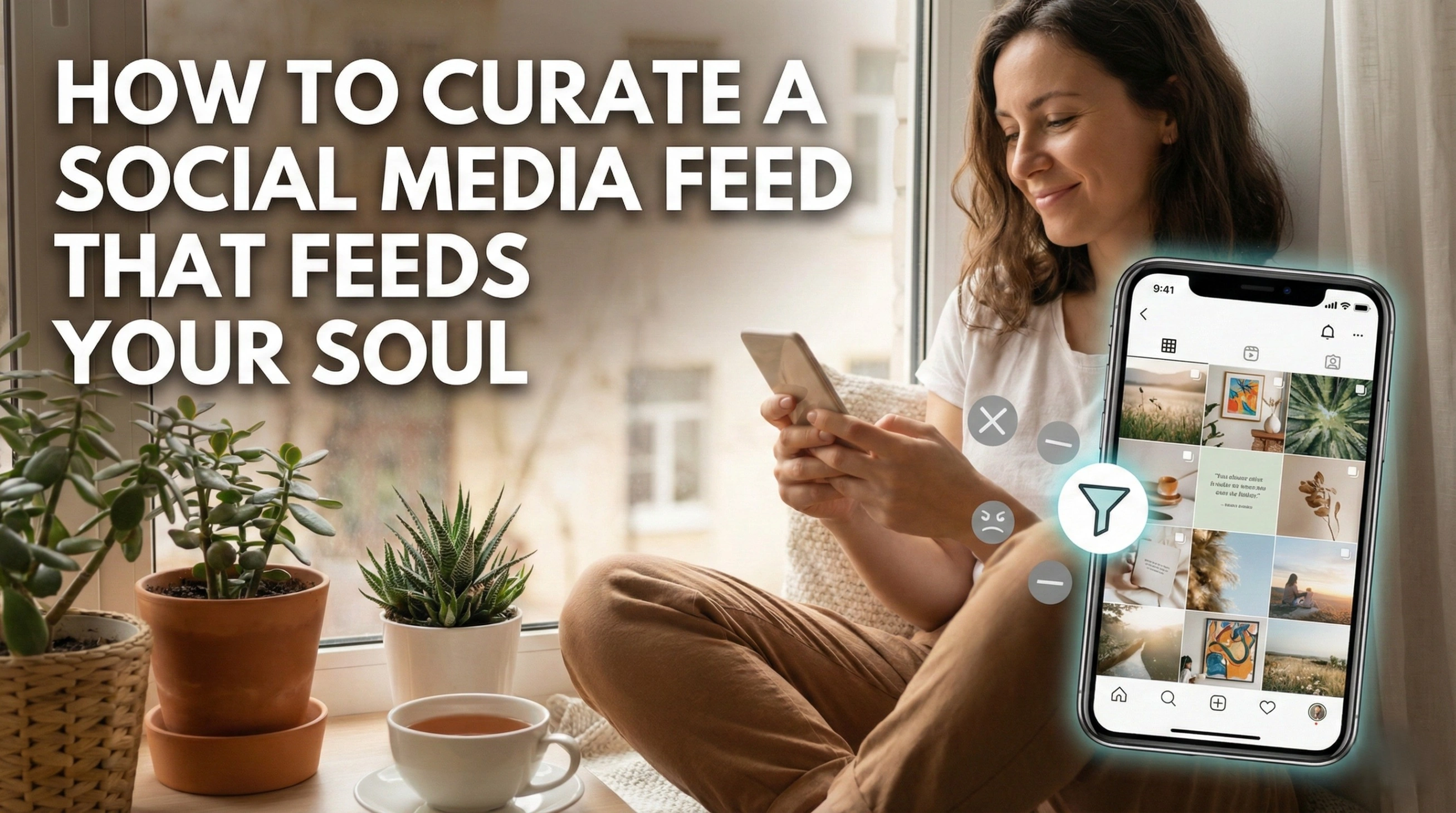
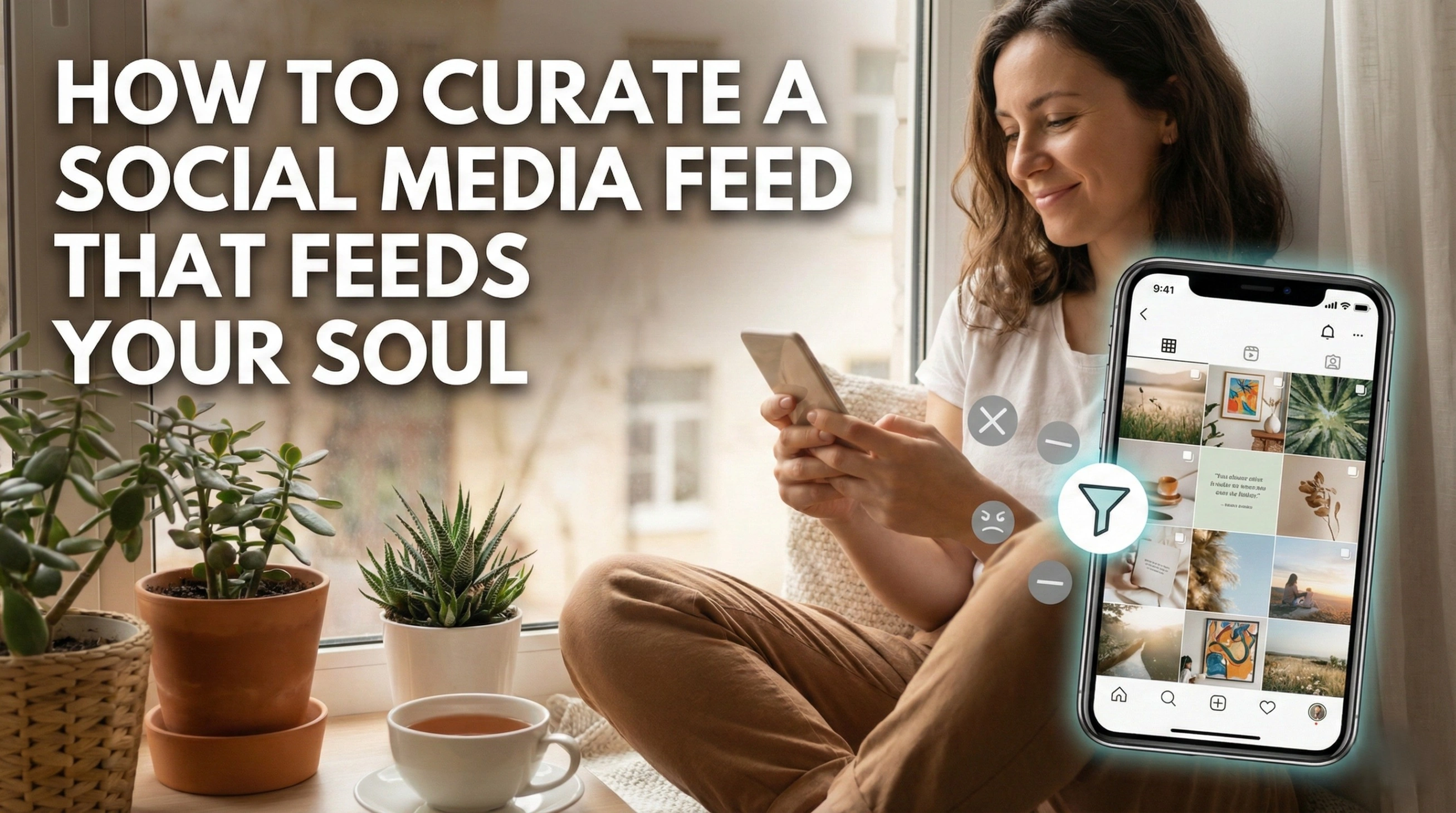
You know that specific feeling; the heavy, anxious pit in your stomach after you’ve spent thirty minutes mindlessly scrolling through your phone? You opened the app to disconnect for a moment, but instead, you feel drained, inadequate, or strangely irritable.
If that sounds familiar, you aren’t alone, and it’s likely time for a social media detox.
Now, don’t panic. We aren’t talking about deleting every app on your phone and moving to a cabin in the woods (unless you want to, of course). We’re talking about a "feed cleanse." It’s about taking control of your digital environment so that when you do log on, your screen serves you rather than stressing you out.
Let’s be real: social media is built to keep us addicted. But with a few intentional moves, you can shift from doomscrolling to mindful engagement. Here is your comprehensive guide to curating a feed that feeds your soul.
The Invisible Toll: Why You Need a Cleanse
Before we get into the "how," we have to acknowledge the "why." Mental health and social media have a complicated relationship. While these platforms keep us connected, they are also breeding grounds for the comparison trap.
When you see a curated highlight reel of someone else’s life; their perfect vacation, their promotion, their seemingly spotless kitchen; it’s hard not to measure your reality against their fantasy. This leads to social media anxiety and a lingering sense of FOMO (Fear of Missing Out).
But the problem isn't just what you see; it’s the sheer volume of it. Toxic social media content isn't always obvious bullying; sometimes, it’s just an overload of bad news, polarizing debates, or unrealistic beauty standards that chip away at your self-esteem.
Taking a social media break or cleansing your current feed is an act of digital wellness. It’s about setting online boundaries to protect your peace.

Phase 1: The Great Unfollow (The Purge)
The first step to a cleaner digital home is taking out the trash. This is the most active part of your social media cleanse.
Set aside 30 minutes. Open your app of choice, go to your "Following" list, and scroll through every single account. For each one, ask yourself a simple Marie Kondo-style question: Does this account make me feel good, informed, or inspired?
If the answer is no, hit unfollow.
Who to Unfollow Specifically?
The "Hate-Follows": Accounts you follow just to get annoyed or judge. Let them go.
The Unrealistic Standards: Influencers or celebrities whose posts make you feel poor, unaccomplished, or unattractive.
The Alarmists: News aggregators or accounts that rely on fear-mongering clickbait. This is a huge contributor to social media addiction and anxiety.
Exes and "Past Lives": If seeing their face ruins your mood, why are they on your screen?
How to clean up your social media effectively means being ruthless. If you hesitate, remember: you can always refollow them later. But you probably won’t miss them.
Phase 2: The Art of the Mute
Sometimes, you can’t unfollow someone. Maybe it’s your aunt who posts aggressive political memes, or a coworker you have to see every day. Unfollowing might cause real-world drama.
This is where the "Mute" button becomes your best friend.
Muting is the secret weapon of the social media minimalist. It allows you to stay connected without subjecting yourself to their daily noise. They won’t know they’ve been muted, but your feed will instantly feel lighter.
On Instagram: Tap the three dots on their post > Hide > Mute.
On Twitter/X: Click the three dots on their profile > Mute.
On Facebook: Click the three dots on a post > "Snooze for 30 days" or "Unfollow" (which keeps them as a friend but removes their posts from your feed).
Phase 3: Hacking the Algorithms
You are not at the mercy of the algorithm; you can train it. Whether you are wondering how to reset the Instagram algorithm or fix your TikTok "For You" page, the logic is similar. The algorithm shows you what you interact with.
If you stop at a car crash video, the app thinks you like car crashes. To fix this, you need to engage in intentional scrolling.
How to Clean Up Your TikTok Feed
TikTok’s algorithm is hyper-sensitive. To pivot away from negativity:
Long Press: When you see a video you don’t like (or that stresses you out), long-press the screen and select "Not Interested."
Search Actively: Search for things that make you happy puppies, cooking, motivational speeches and like/comment on five videos in a row.
Refresh: Go to your settings. TikTok now has a feature specifically called "Refresh Your For You Feed" which resets the algorithm as if you were a new user.
How to Reset Instagram Algorithm
Instagram is a mix of who you follow and what it thinks you want.
Interact with the Good: If you want more art and fewer gym selfies, go to the Explore page, click on art posts, and save them.
Use the "Hidden Words" Feature: Go to Settings > Privacy > Hidden Words. You can add specific keywords (like "diet," "politics," or "crypto") to a custom list, and Instagram will try to hide posts containing those words.
Favorites Feed: Instagram now allows you to toggle to a "Favorites" view. Add your 20 closest friends or most inspiring creators to this list. When you open the app, switch to this view to see only them, bypassing the algorithm entirely.
Facebook News Feed Preferences
Facebook can be cluttered. Go to Settings & Privacy > Feeds. Here you can select "Favorites," "Snooze," and "Reconnect." You can also physically prioritize whose posts you see first at the top of your timeline, ensuring you see your best friend's baby photos before you see a random ad.

Phase 4: Curating for the Soul
Once you’ve removed the weeds, it’s time to plant the flowers. Curating your social media feed shouldn’t just be about removal; it should be about addition.
What feeds your soul? What makes you feel calm?
Artists and Makers: Watching people create things is naturally soothing.
Educational Content: Accounts that teach you history, science, or cooking make the time spent scrolling feel productive rather than wasted.
Good News Hubs: Follow accounts specifically dedicated to positive news stories to counteract the doom.
When you fill your feed with this type of content, mindful scrolling becomes easier. You aren't just consuming junk; you are consuming nutrition for your brain.
Phase 5: Setting Boundaries (Maintenance)
A clean feed is great, but a clean relationship with your phone is better. Screen time management is the final piece of the puzzle. Even a positive feed can become toxic if you consume it for six hours a day.
Practical Tips for Digital Boundaries:
The "No-Phone" Morning: Do not check social media until you have brushed your teeth and had your coffee. Do not let the internet dictate your mood before you’ve even woken up.
App Limits: Use the built-in "Screen Time" (iOS) or "Digital Wellbeing" (Android) settings to set hard limits on social apps. 30 minutes a day is often enough to catch up without falling into a hole.
Turn Off Notifications: This is crucial. You should choose when to check the app; the app should not summon you. Turn off all non-essential push notifications.
Conclusion
Conducting a social media detox isn't about hating technology. It’s about respecting your own mental space. By unfollowing toxic accounts, muting the noise, and actively training your algorithms, you turn a source of stress into a source of inspiration.
Remember, your feed is your digital home. You wouldn't let strangers walk into your living room and shout at you, so don't let them do it on your phone. Reclaim your feed, practice intentional scrolling, and watch how much lighter you feel.